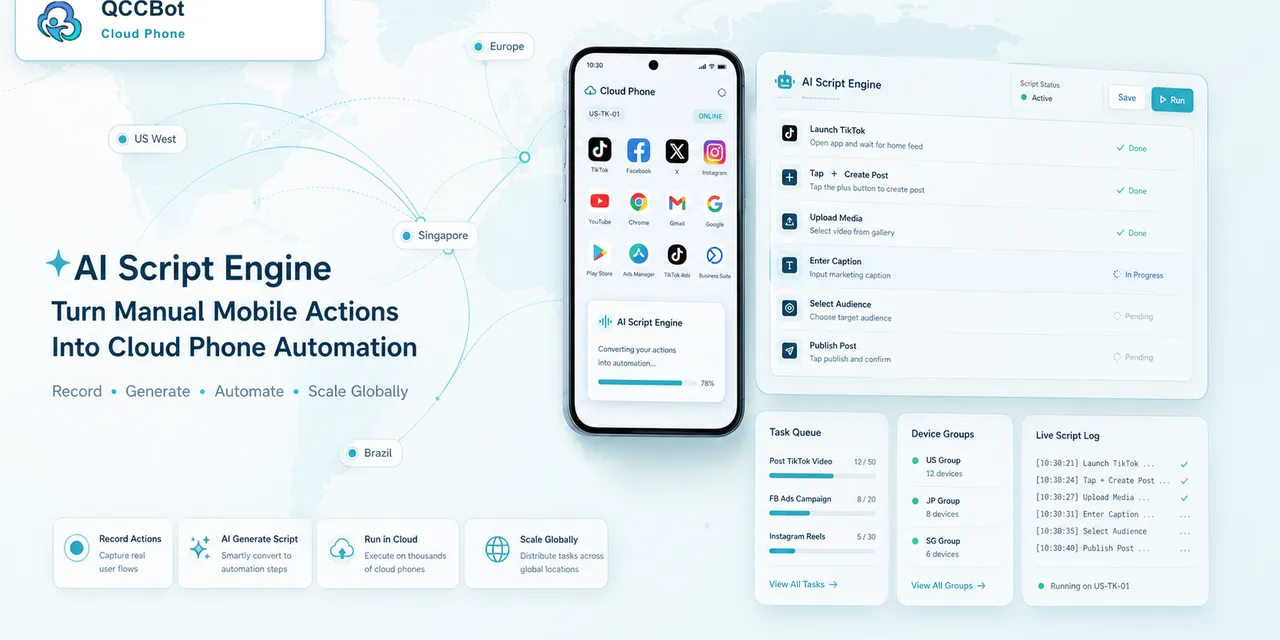
AI-generated AutoJS scripts can save a lot of time.
Instead of writing every step by hand, an operator can describe a task: open an app, check the account state, tap a button, upload a file, or record a result. AI can produce a first script much faster than manual drafting.
But generated code still needs review.
Especially before it runs across many cloud phones.
Why review matters
An AutoJS script may work on one device and fail on another.
Reasons include:
- different Android versions;
- different screen states;
- missing permissions;
- slow app loading;
- changed UI elements;
- logged-out accounts;
- unexpected popups.
AI can generate the script, but the team still needs to make sure the script is safe and understandable.
Review the task goal first
Before reviewing code, review the goal.
Ask:
- What is the script supposed to accomplish?
- What is the expected start screen?
- What does success look like?
- What should happen if the account is logged out?
- What should happen if a popup appears?
- Which actions should never be automated?
If the goal is vague, the script will be vague.
Check selectors and timing
Mobile scripts often fail because they assume the UI appears instantly.
Review:
- whether the script waits for pages to load;
- whether selectors are specific enough;
- whether fallback paths exist;
- whether buttons are tapped only after being found;
- whether retry limits are set.
This is where many first drafts need improvement.
Add logging early
A script without logs is hard to operate.
At minimum, log:
- task start;
- key steps;
- success state;
- failure state;
- exception type;
- device or account identifier.
Logs are not only for developers. They help operators know what happened without opening every cloud phone.
Test on a small group
Never run a new script across a large fleet first.
Use a simple rollout:
- Test on one cloud phone.
- Test on three to five devices.
- Collect failures.
- Fix the common issues.
- Expand only after results are readable.
This prevents one weak script from creating a large review queue.
Decide where AI takeover is allowed
Some exceptions are safe to handle automatically. Others are not.
Safe examples may include:
- closing a basic update prompt;
- retrying a slow loading page;
- navigating back to a known screen.
Sensitive examples include:
- account verification;
- security warnings;
- payment steps;
- identity changes.
The review checklist should define this boundary.
How QCCBot fits
QCCBot’s xeasy code AI can help generate and debug AutoJS scripts. QCCBot cloud phones provide the Android runtime for testing. Task logs and AI exception handling help teams understand what happened after scripts run.
The best practice is simple: let AI speed up script creation, but keep review, testing, and exception boundaries clear.
If your team wants to generate AutoJS scripts with AI but avoid messy batch failures, QCCBot can help you test and manage scripts on Android cloud phones.
A review template teams can reuse
Before running an AI-generated AutoJS script, copy the task into a short review template.
Task summary:
- What app does it use?
- What account group does it run on?
- What is the expected start screen?
- What is the expected success screen?
Risk review:
- Does the script touch login, payment, identity, or account safety pages?
- Which prompts should stop the script?
- Which prompts can be handled automatically?
Execution review:
- Are waits and retries limited?
- Does the script log every major step?
- Does the script avoid infinite loops?
- Does it stop clearly when the page is unknown?
Rollout review:
- Has it run on one device?
- Has it run on a small group?
- Are the failure reasons readable?
- Who owns the next fix if it fails?
This kind of review keeps AI-generated scripts useful without making them reckless.
Why this matters for non-developers
Non-technical operators often understand the business task better than developers do. A checklist lets them review the workflow logic even if they cannot judge every line of code.
That is the right division of labor: AI drafts, operators define intent, developers or advanced users refine edge cases, and the platform records what happened.
A practical testing routine
Before a script runs across many cloud phones, test it in a smaller path:
- Run it on one clean device.
- Run it on one device with a normal account.
- Run it on one device with a known blocker, such as a login prompt or permission popup.
- Review the logs and screenshots.
- Decide whether the script can run on a small group.
This routine prevents a common mistake: writing a script that works only on the device where it was created.
What AI should explain after a failure
When a script fails, the operator should not only see an error line.
A useful AI explanation should say:
- what step was running;
- what screen or state appeared;
- why the script could not continue;
- whether the issue is probably timing, selector, login, popup, or UI change;
- what small fix should be tried first;
- whether the task should be retried or sent to human review.
This is where AI script debugging becomes valuable for real teams. It turns a technical failure into an operational next step.